Register an account
Create a free mrD-Indicators account in under a minute. One account works across web, iOS, Android, iPad, and desktop — the chart, alerts, and saved layouts follow you everywhere.
A single mrD-Indicators account unlocks the entire free tier — the orderbook heatmap, the futures signal hub, multi-timeframe RSI, alerts, watchlists, and the chart workspace itself. The account is cross-platform from day one: register on a laptop, then sign in on iPhone, Android, or iPad and every saved layout, watchlist, and alert routing follows you. Same data plane, same WebSocket, same login — different screen.
Open the registration page
Go to app.mrd-indicators.com/register. The same URL works in every modern browser (Chrome, Safari, Edge, Firefox, Brave, the in-app browsers on iOS and Android) — there is no separate mobile registration flow.
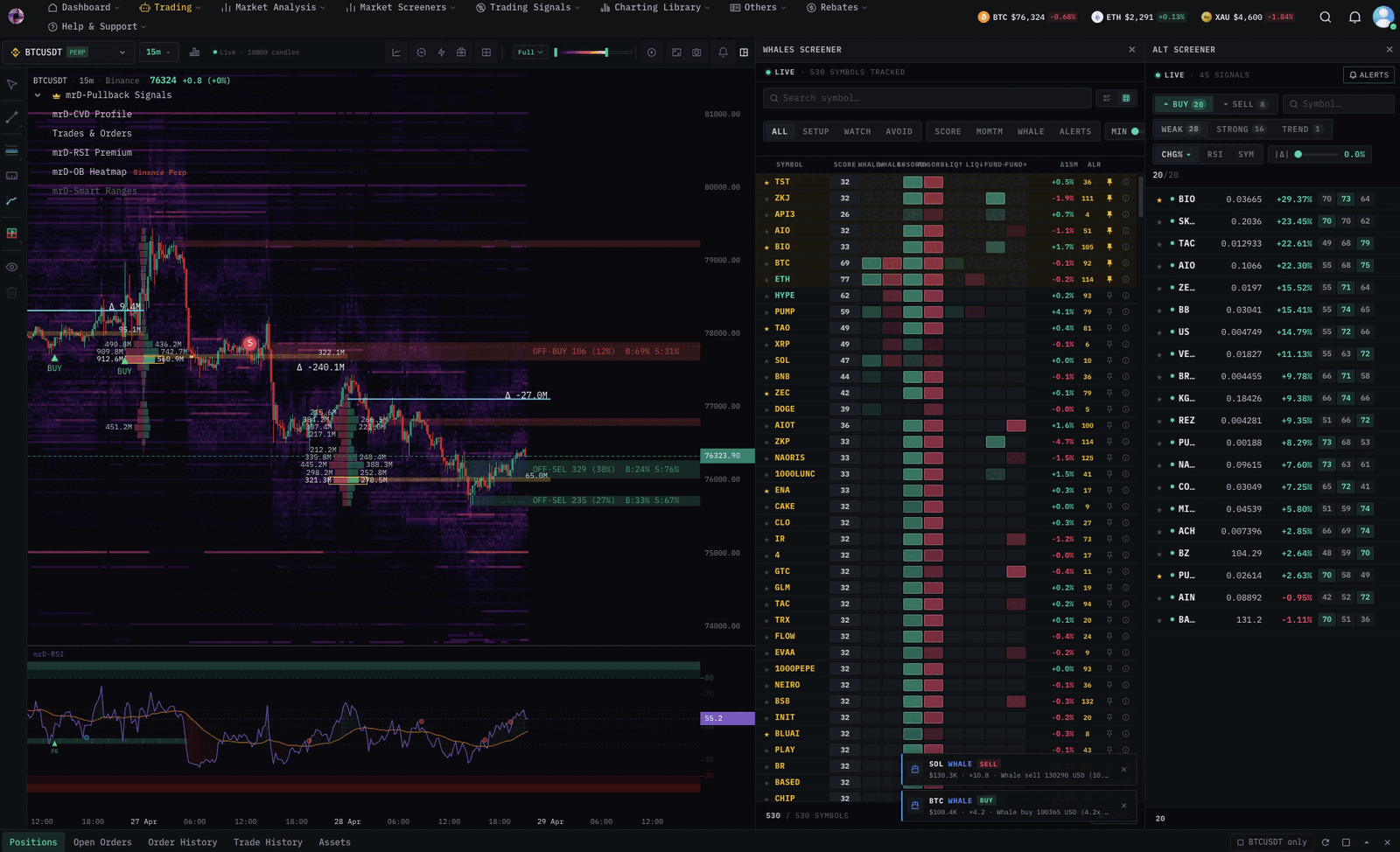 The registration form on the mrD-Indicators web app. Same page on desktop, mobile, and iPad — Safari, Chrome, Edge, Firefox all supported.
Fill the form:
- Email — use an address you actually read. We send your verification link, billing receipts, and security alerts here.
- Password — at least 8 characters. Mix letters, numbers, and a symbol; the chart terminal is gated behind this same password on every device.
- Confirm password — has to match exactly.
- Hit Create account.
Verify your email
Right after you submit the form, an email-confirmation banner appears. Open your inbox (and the spam folder, just in case) and look for the message from mrD-Indicators.
 Verification step: click "Verify Email Address" in the email we sent. The link works equally on desktop and mobile browsers.
Click Verify Email Address in that email and you're in. The link is single-use and expires in 24 hours — if it goes stale, hit the Resend action on the verification banner and we'll send a fresh one.
Sign in on every device you trade from
Once verified, sign in at app.mrd-indicators.com on every device you trade from. There is no per-device licence, no separate "mobile account", no "iPad edition":
- Your watchlists sync — add a symbol on your laptop, it shows up on your phone watchlist within seconds.
- Alerts you create on any device fire on every device that has notifications enabled.
- Indicator layouts and chart settings persist server-side, so a chart you build at the desk looks identical on the tablet in the evening.
- The autotrade engine runs server-side — it does not require a particular device to stay on; close the laptop, your bot keeps running.
The next step is making the web app feel like a native app on each device. See Add to Home Screen — it covers desktop install (Chrome / Edge / Brave), iOS Safari, iPadOS Safari, and Android Chrome in one walkthrough.
Free tier — what's included
Registering gets you the free plan with zero credit card. The free tier covers:
- Real-time spot orderbook heatmap.
- Multi-timeframe RSI heatmap.
- A subset of futures signals across the major USDM symbols.
- Browser + push notifications for any alert you wire up.
- Save up to a handful of chart layouts and watchlists.
Paid tiers add more signals, longer history depth, deeper-history heatmaps, Delta DSL Script authoring, and the autotrade engine. You can upgrade later from Profile → Billings & Plans without losing any of your free-tier configuration.
Trouble signing up?
- Verification email never arrives. Check spam first. If it's not there, hit Resend on the verification banner. Some corporate firewalls hold the email — try a personal address.
- "Email already in use". You already have an account. Use Sign in → Forgot password with the same email to reset.
- The verification link says "expired". Links are single-use and time out after 24 hours. Open the registration page again and use Resend verification.
- Still stuck? Write to [email protected] with the email you registered with — we'll unblock you manually.